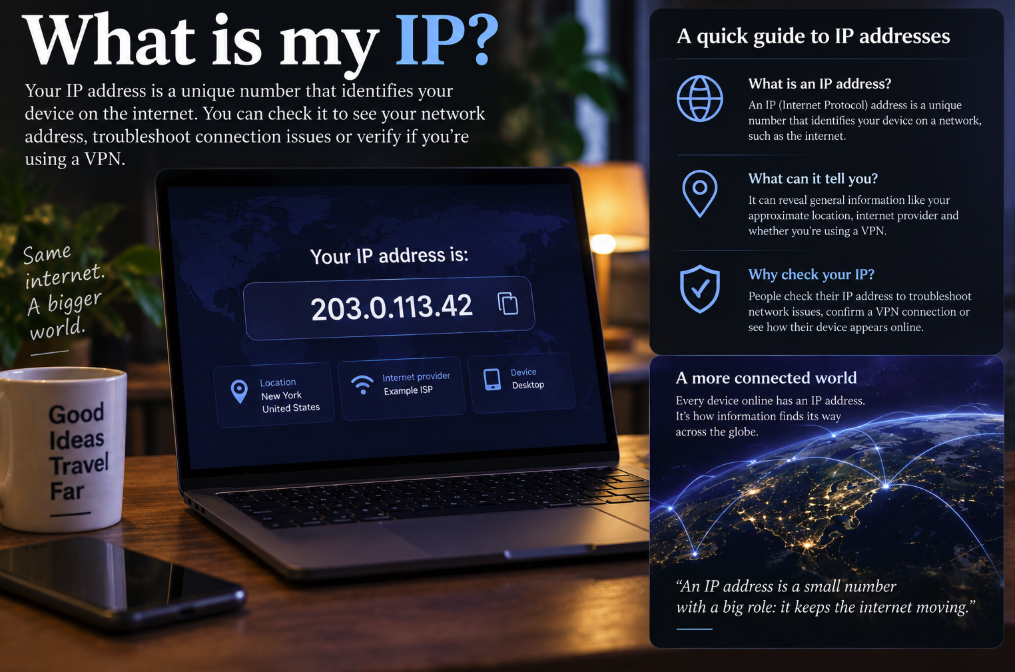
Type “What is my IP?” into a search engine and the answer usually appears before you even reach the first result: a string of numbers, or sometimes numbers and letters, identifying the internet connection from which your request arrived.
It looks deceptively simple. Yet an IP address sits at the center of almost everything you do online. Websites use IP addresses to send information back to the right destination, network administrators use them to diagnose connection problems, and millions of people check theirs to confirm whether a VPN is actually changing how they appear on the internet.
An IP address is not, however, a digital name tag containing your identity and home address. The reality is more interesting. You may have several IP addresses at once, your public address can change, multiple devices can share one address, and the IP visible to a website may belong to a VPN provider rather than your home internet connection.
What exactly is an IP address?
IP stands for Internet Protocol, the system that allows networked devices to address and route packets of information. In practical terms, an IP address tells a network where data needs to go.
The analogy with a postal address is imperfect but useful. If you request a webpage, the server needs some way to send its response toward your connection. IP addressing supplies the routing information that makes that exchange possible. Cloudflare's guide to IP addresses describes them as identifiers that allow devices to communicate across the internet.
There are two major versions in widespread use: IPv4 and IPv6.
An IPv4 address is the familiar dotted format such as 203.0.113.42. That particular example is deliberately reserved for documentation, but a real IPv4 address follows the same four-number structure. IPv4 uses 32 bits, providing roughly 4.3 billion possible addresses. That sounded enormous during the internet's early development; it became painfully small once billions of computers, phones, servers and connected devices arrived.
IPv6 was designed in part to solve that shortage. Its 128-bit address space is unimaginably larger and its addresses look more like 2001:db8::1, another documentation example. The Internet Engineering Task Force has long identified IPv6 as the long-term solution to the limitations of the exhausted global IPv4 pool.
Your public IP is not necessarily your device's IP
This is where the question “What is my IP?” becomes ambiguous.
When a website tells you your IP, it normally means the public IP address from which your traffic reached the internet. Inside your home, however, your laptop or phone will usually also have a private IP address assigned on the local network.
Private IPv4 addresses commonly begin with patterns such as 192.168.x.x or 10.x.x.x. They can be reused in countless homes and offices because they are not globally unique internet destinations. Cloudflare's networking documentation explains that private IP addresses are scoped to their own networks, while public addresses must function across the wider internet.
Your router typically sits between those two worlds. Through a technique called Network Address Translation, or NAT, many devices in your home can communicate with the internet while sharing one public IPv4 address. Your phone, television, game console and laptop may therefore appear to outside services as traffic originating from the same public IP.
Some internet providers go a step further with carrier-grade NAT, allowing multiple customers to share public IPv4 resources. That is one reason an IP address should not automatically be equated with a single physical device — much less a particular human being.
Why people check their IP when using a VPN
One of the most practical reasons to search “What is my IP?” is to test a virtual private network.
Without a VPN, internet traffic normally reaches websites through infrastructure associated with your internet service provider. The destination can see the public source IP presented by that connection.
A VPN changes the route. Your device establishes an encrypted tunnel to a VPN server, and the VPN server then communicates with the wider internet on your behalf. As Cloudflare explains in its overview of how VPNs work, websites generally see the VPN server's IP address rather than the user's ordinary ISP-facing address.
This makes an IP checker a quick diagnostic tool. Check the public IP before connecting to a VPN, activate the VPN, then check again. If the VPN is routing the relevant traffic as expected, the visible public IP will normally change to an address associated with the VPN's exit server.
That does not make a user magically anonymous. A website can still identify visitors through accounts, cookies, browser characteristics and other signals. A VPN changes an important piece of network information and can encrypt traffic between the device and VPN server, but it is not an invisibility cloak.
Can someone find your house from your IP?
Usually not from the IP address alone.
IP geolocation databases can often infer a country and may estimate a city, metropolitan area or region. They may also identify the network operator or internet provider associated with an address. But an IP address does not normally contain GPS coordinates or a street address.
The estimated location can be wrong. An ISP may route traffic through infrastructure in another city. Mobile networks can make location particularly imprecise. VPNs deliberately cause services to associate the connection with the VPN server's location instead.
The internet provider, meanwhile, may have records connecting an assigned public address with a subscriber account at a particular time. Access to those records is a different matter from simply typing an IP into a public lookup service and is governed by applicable law, provider practices and legal process.
So the common statement that “someone with your IP knows exactly where you live” is misleading. An IP can reveal useful network and approximate geographic information, but it is not equivalent to publishing your home address.
Why does your IP sometimes change?
Many residential internet connections use dynamic IP addresses. The provider assigns an address that can remain stable for days or months but is not guaranteed to stay the same forever. Reconnecting equipment, changes inside the provider's network or lease-management policies can result in a different address.
A static IP, by contrast, is intended to remain fixed. Businesses, servers and specialized network setups may use static addresses when consistent reachability matters.
IPv6 complicates the picture further because a device can possess multiple IPv6 addresses for different purposes, and modern operating systems may use temporary privacy addresses for outbound connections. The old mental model in which every computer has exactly one permanent internet number no longer describes many real networks.
So what does “my IP” really mean?
For most people asking the question, “my IP” means: What public IP address does this website currently see?
That is useful information. It can confirm whether a VPN is active, help troubleshoot network access, show whether you are connecting over IPv4 or IPv6, and give support technicians a clue about how your connection reaches the internet.
But behind that one visible address may be a surprisingly complicated chain: a private address on your device, a home router performing NAT, an ISP network, perhaps carrier-grade NAT, perhaps a VPN tunnel, and finally the public address presented to the destination.
The tiny string returned by an IP checker is therefore less like a permanent digital identity and more like the return address on your current route through the internet. It tells online services where this connection appears to come from right now — which is precisely why checking it can reveal whether your network, your ISP or your VPN is sending you where you think it is.